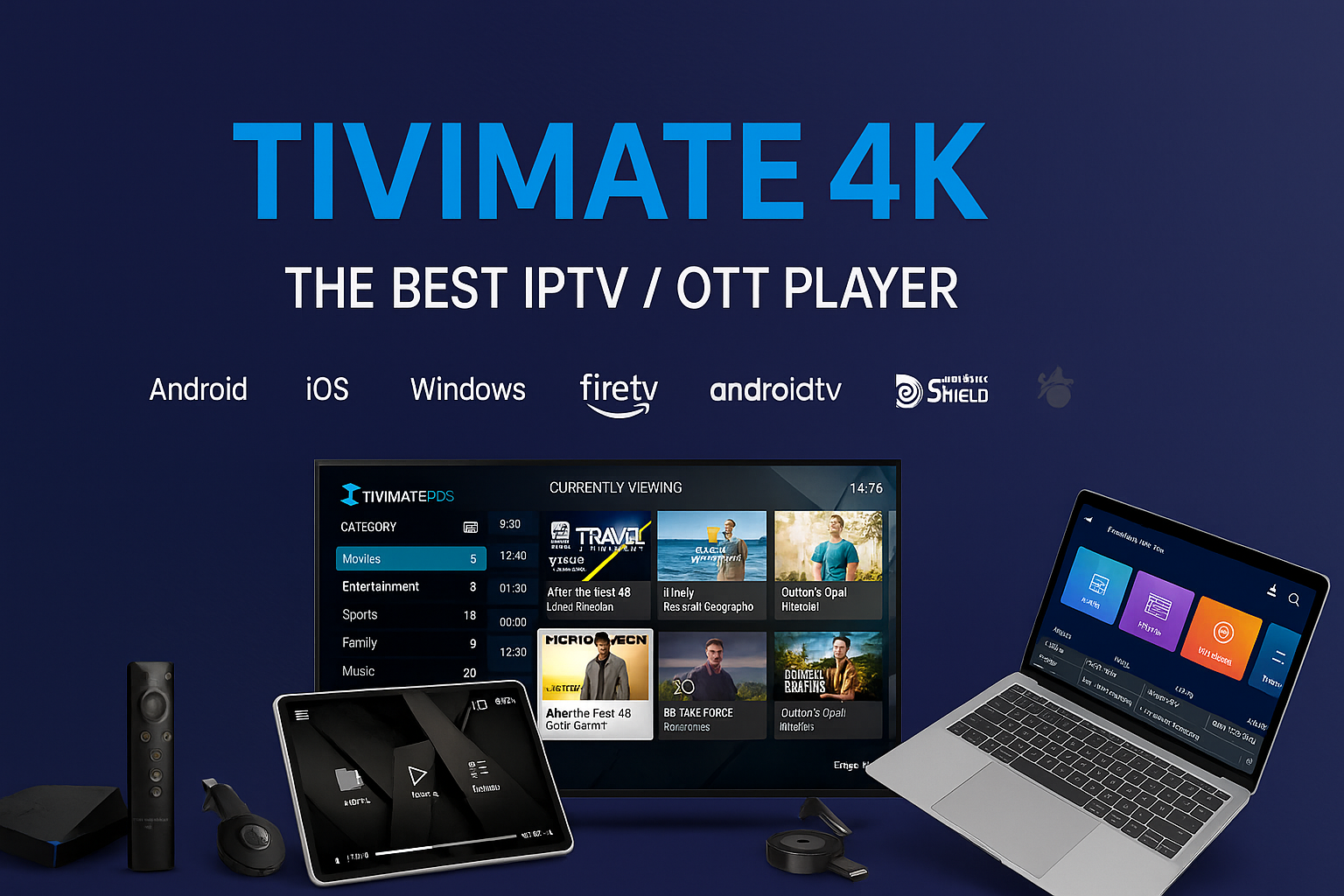
Frequently Asked Questions (FAQ) – TiviMate in 4K
TiviMate FAQ: 4K, settings and streaming
Here are the answers to the questions our users ask most often, with a focus on getting the best 4K picture out of TiviMate. New subscriber or long-time user, you will find practical tips to get the most from your IPTV setup.
Can’t find your answer below? Our support team knows TiviMate inside out and is reachable 24/7 on WhatsApp to help you.
What is TiviMate and why use it in 4K?
TiviMate is a powerful IPTV player that lets you watch live channels, movies and series over your internet connection — including 4K/UHD streams when the channel is broadcast in that quality.
It runs on a wide range of devices, with a clean interface and fast navigation, and supports hardware decoding for smooth HEVC playback on Smart TVs, Android boxes, Fire TV and other supported platforms.
How do I install TiviMate on my 4K device?
Can TiviMate Premium run on several devices at once?
Yes: with a Tivimate Premium subscription, the app can be used on up to 5 devices at once under one account.
Bear in mind that multi-device streaming also depends on your IPTV plan: single-screen plans allow one active connection, multi-screen plans allow 2 to 5.
What if my 4K streams stutter or buffer?
If your streams buffer, freeze or load slowly, go through this list:
-
✅ Measure your internet speed – for 4K streams, a stable 25 Mbps or more is needed.
-
🔁 Reboot your device and relaunch TiviMate to clear any temporary glitch.
-
📶 Plug in an Ethernet cable whenever you can; Wi-Fi is the first cause of 4K stutter.
-
🔐 Turn on a VPN if your ISP throttles traffic or blocks some content.
-
📩 Get in touch with your IPTV provider – the problem may sit on the stream source.
Which devices run TiviMate in 4K?
TiviMate runs on most Android-based devices, including:
-
Android TV and Android TV Boxes
-
Smart TVs with Android TV OS
-
Amazon Fire TV and Fire Stick
-
Android smartphones and tablets (via manual installation)
-
Chromecast with Google TV
Where do my TiviMate Premium login details come from?
TiviMate Premium is only a player and carries no content of its own. To watch anything, you need an active IPTV subscription from a provider.
Here is how to obtain your IPTV login:
-
Select a solid IPTV provider (for example the 4K plans offered on this site).
-
Once subscribed, your login details reach you by email or WhatsApp:
-
M3U URL or Xtream Codes portal
-
Username and password
-
-
Paste these details into Tivimate Premium and start watching your live channels, movies and series.
4K stream problems in TiviMate Premium: what should I check?
If you run into buffering, freezing or playback trouble on Tivimate Premium, work through these steps:
-
✅ Test your connection speed – a steady 25 Mbps or more is required for 4K streams; HD needs less.
-
🔁 Reboot the device and the TiviMate app to flush temporary bugs.
-
🧪 Test another playlist or provider – the fault may be on the source side, not in the app.
-
🔐 Turn on a VPN if your ISP throttles or blocks IPTV traffic.
-
📩 Get in touch with your IPTV provider for more help if the problem persists.
How do I keep TiviMate Premium up to date?
If you installed Tivimate Premium from the Google Play Store or Amazon Appstore, new versions normally install by themselves.
To check by hand:
-
Open the Play Store or Appstore on the device.
-
Search for Tivimate IPTV Player.
-
Tap “Update” if a newer version is listed.
Can I stop my TiviMate Premium subscription whenever I want?
Yes, you can stop your Tivimate Premium subscription whenever you like, directly from the platform where you bought it (Google Play Store or the official TiviMate site).
After cancelling, the subscription keeps working until the end of the current period, and nothing else is charged.
Do new channels and movies appear on their own?
Yes. As long as your IPTV provider keeps its playlists up to date, the new content shows up automatically in TiviMate Premium when you launch the app or refresh the playlist.
TiviMate Premium in 4K: The Player Built for UHD Screens
Tivimate Premium is a feature-rich IPTV player that streams live channels and on-demand content over the internet. Its clear, modern and customizable interface, combined with hardware HEVC decoding, lets you enjoy your TV channels, the latest movies and trending series in the best quality your screen supports.
Runs on Almost Every Device
Tivimate Premium works on a wide range of hardware, so you can pick the device that best drives your 4K TV:
-
Android: smartphones, Android TV, Android TV boxes, Fire TV Stick 4K, Nvidia Shield…
-
Android Smart TVs: TVs powered by Android TV OS
-
Fire TV: works on every Fire Stick / Fire TV model
-
Computers (Windows / Mac): usable through an emulator or alternative methods
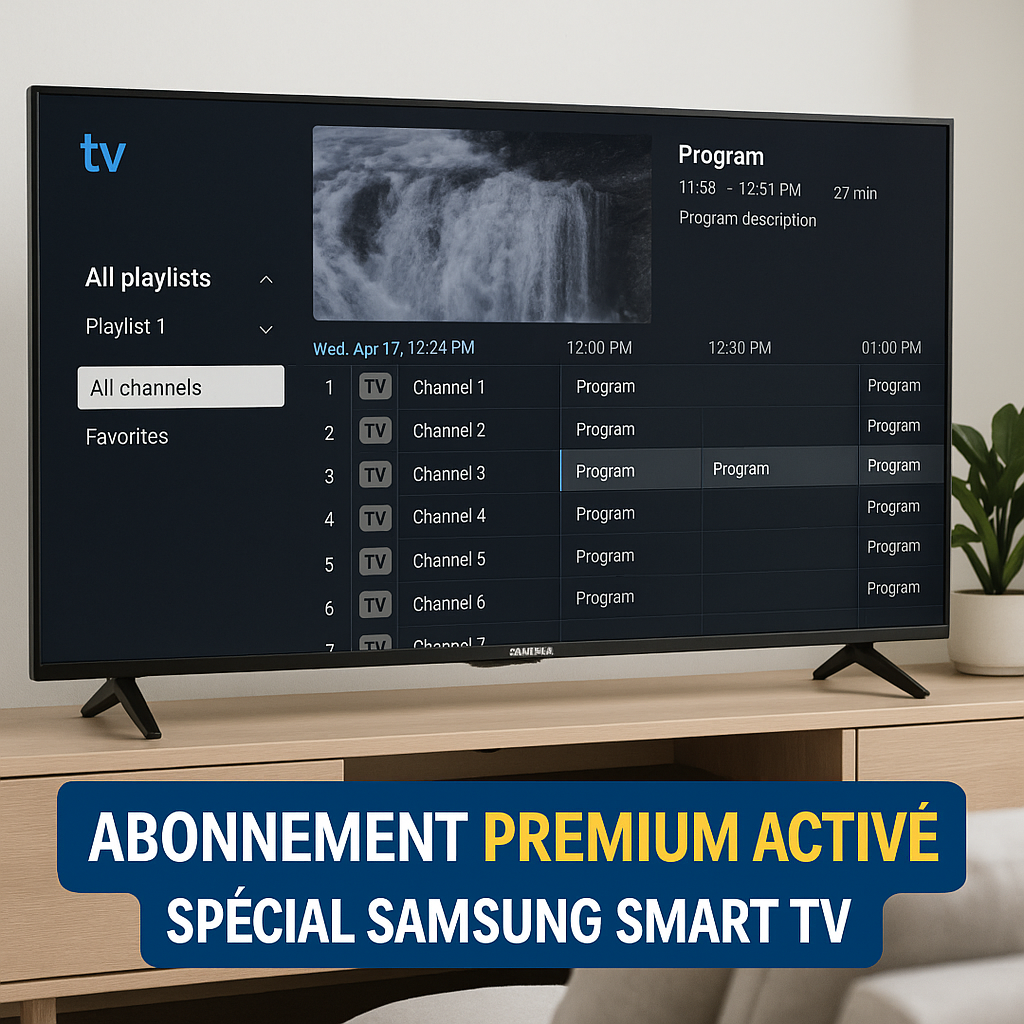
TiviMate Premium Subscription – Built for Samsung 4K Smart TVs
Tivimate Premium is a premium IPTV player that delivers a fluid, intuitive and powerful viewing experience on Samsung Smart TVs running Android TV OS.
It opens access to live channels, VOD, series and on-demand catalogs inside a modern, fully customizable interface that handles 4K streams.
-
Current Version: most recent version available
-
Compatibility: runs on every Samsung Smart TV with Android TV OS
-
Installation: available from the Google Play Store (Android-based models only)
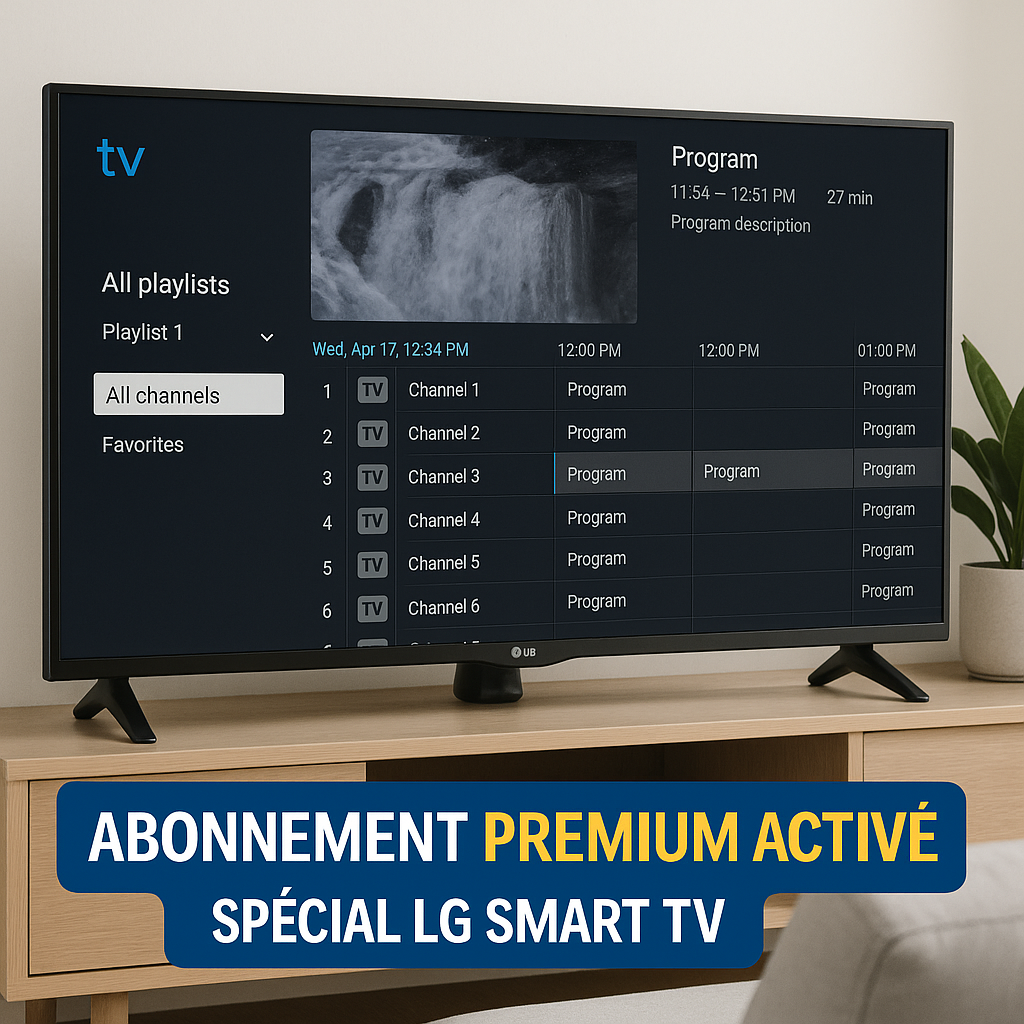
TiviMate Premium Subscription – LG 4K Smart TV
Get the best out of your television with TiviMate Premium, a high-end IPTV player tailored for LG Smart TV owners. Elegant interface, strong player engine and fast navigation give you easy access to your live channels, movies, series and catch-up effortlessly.
Key Features:
📺 Live TV, VOD, series and catch-up in HD and 4K
⚡ Clean interface with a modern look
🧠 Fast navigation for a comfortable experience
🔄 Regular updates for top performance and stability
Technical Information:
✅ Version: most recent release available
📱 Compatibility: works with every LG Smart TV models